01
Declaration header
Identifies who is reporting, for which period, country, and trade flow.
- Reporting period
- Declarant / VAT ID
- Dispatch or arrival
- Reference number
Connect your systems or upload trade data, then let Intrastat.ai validate,
enrich, review, and prepare country-specific declaration files.
Upload Excel, CSV, or ERP export files and start validating Intrastat declarations without a long integration project.
Keep reporting logic aligned with Intrastat regulations, annual instructions, code-list updates, and country-specific changes.
Review ERP-created declarations for missing, inconsistent, or country-specific issues before submission.
Generate validated ASCII, XML, CSV, or other required declaration formats for each reporting country.
Suggest suitable 8-digit commodity codes from product descriptions, master data, and previous classifications.
Route uncertain commodity codes, missing fields, and compliance exceptions to expert review before export.
Complete missing transaction, country, region, unit, and supplementary quantity fields from available context.
Flag unusual values, weight-to-quantity ratios, country combinations, and transaction patterns for focused review.
Replace spreadsheet checks, manual enrichment, and last-minute file fixes with a guided workflow built for Intrastat reporting.
Trained on official Intrastat regulations, instructions, country-specific requirements, and published special cases.
Automatically identifies and suggests the most appropriate 8-digit Commodity Code based on product descriptions and available master data.
Checks your Intrastat declaration for missing, inconsistent, or potentially incorrect information before submission.
Connect SAP, Microsoft Dynamics, Oracle, Odoo, and other systems to collect relevant purchasing, sales, logistics, and material movement data.
Automatically completes missing reporting fields such as Nature of Transaction, country codes, region codes, units of measurement, and supplementary units.
Applies the relevant Intrastat requirements and special rules for the reporting country instead of relying on one generic EU-wide validation.
Transform source data into a complete Intrastat declaration with minimal manual intervention.
Already creating your declaration in SAP, Oracle, Dynamics, or another ERP? Intrastat.ai acts as an intelligent second layer and reviews the generated declaration.
Identifies unusual values, inconsistent combinations, missing fields, and potential reporting mistakes that standard ERP validations may overlook.
Ask questions about Intrastat rules, Commodity Codes, transactions, special cases, or your declaration directly in natural language.
Connect your ERP or simply provide Excel, CSV, API, or other structured data. Customers do not need an existing Intrastat system.
From data collection and enrichment to validation and declaration creation, automate the complete Intrastat reporting workflow.
Simplify the reporting workflow with AI automation, human review where it matters, and European data residency for sensitive trade data.
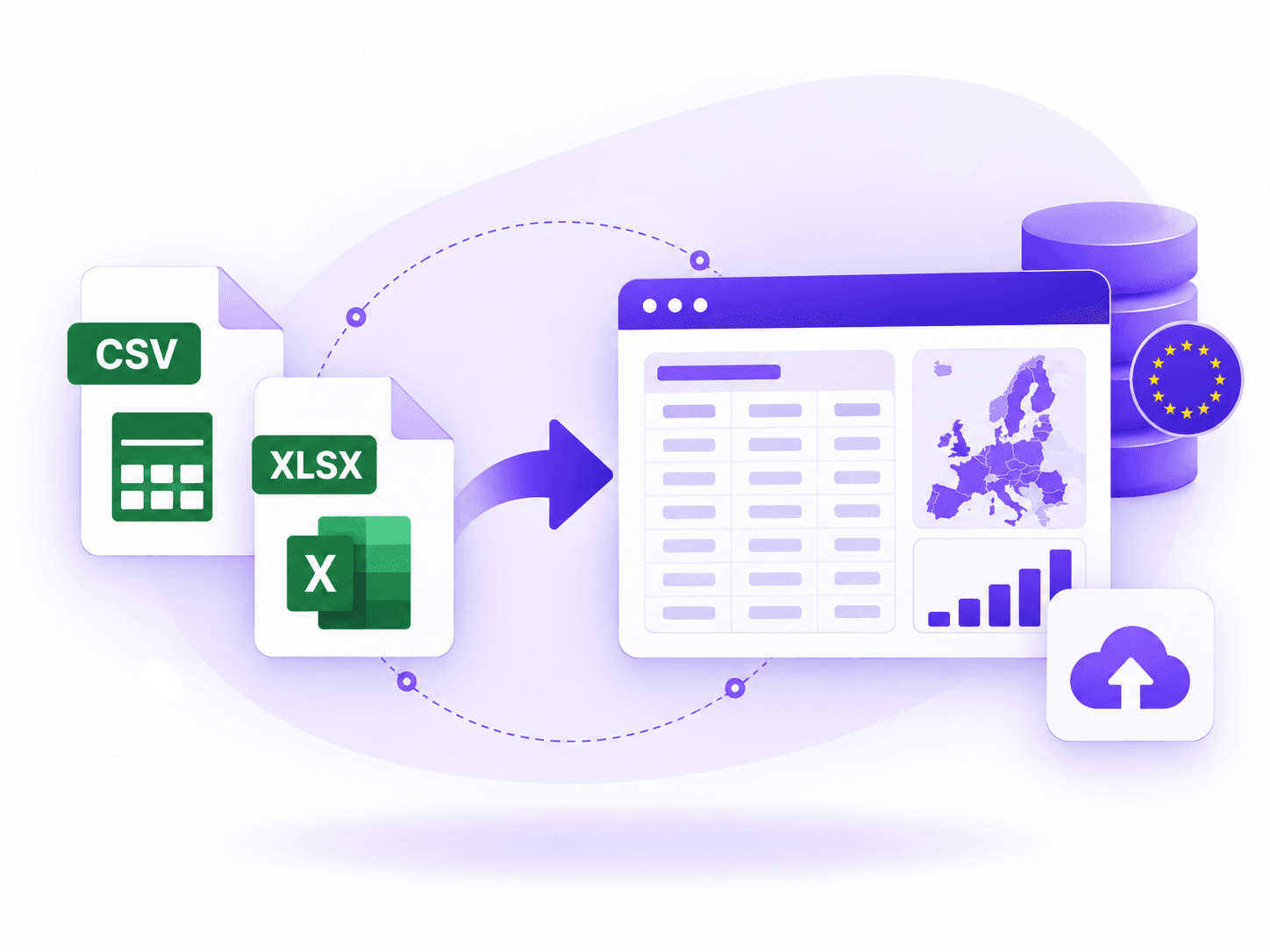
Upload trade files when ERP integration is not ready and start validating the declaration immediately.
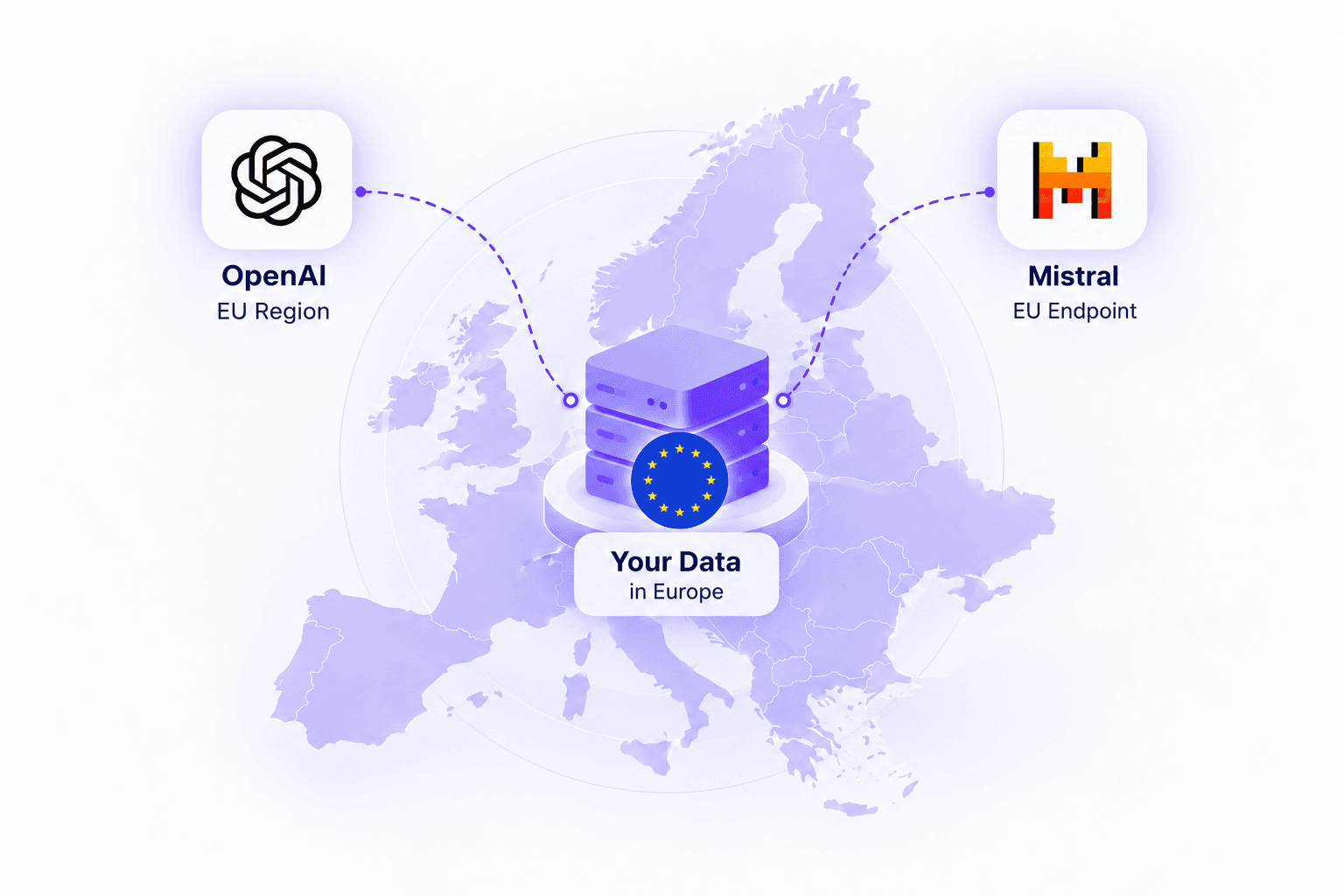
Combine AI automation with European data residency, enterprise security, and GDPR-focused data protection.
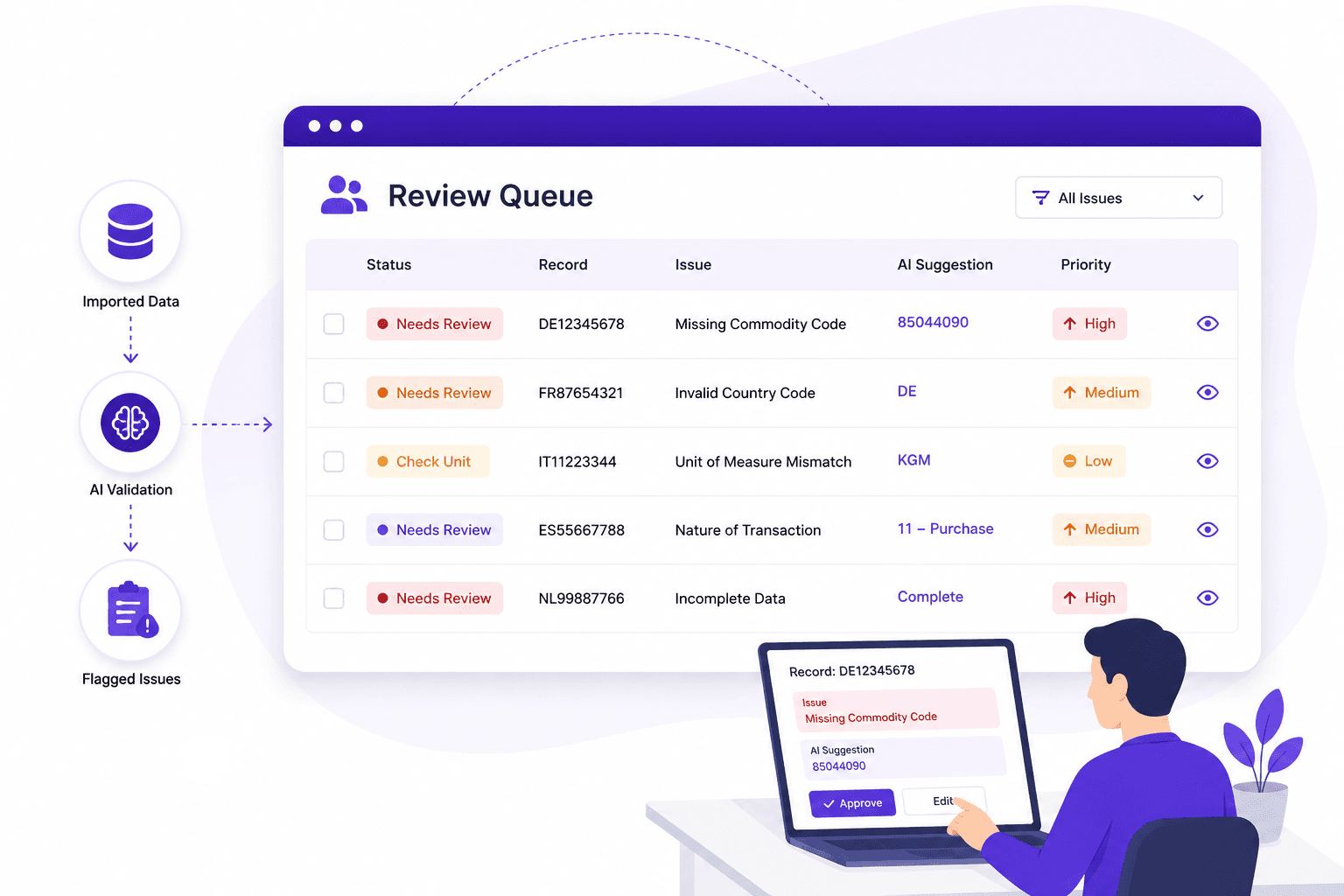
Route uncertain classifications, missing fields, and compliance exceptions to expert review before export.
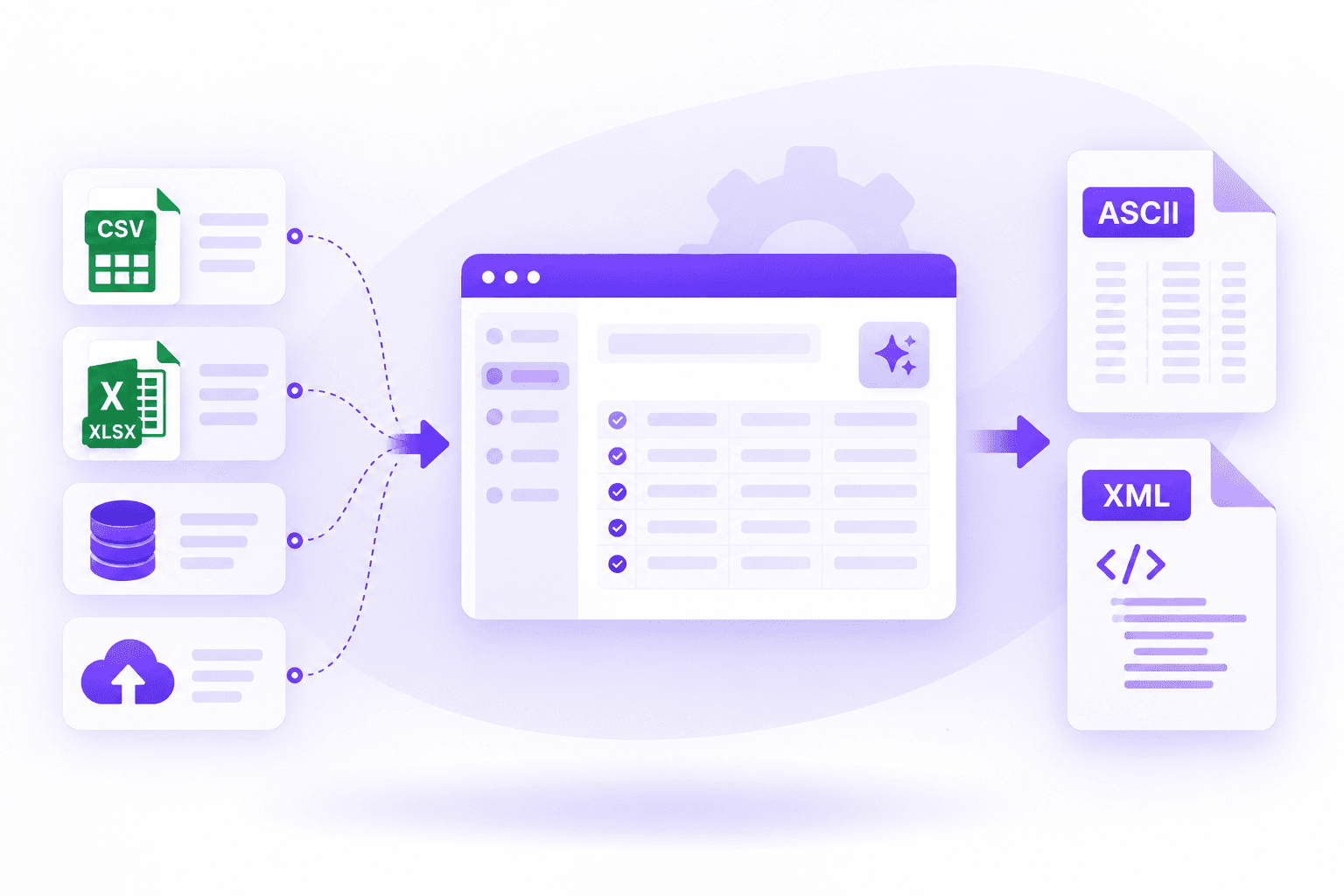
Generate country-ready ASCII, XML, CSV, or other required declaration formats from validated data.
An Intrastat XML declaration combines reporting-party data with one or more goods movements. Intrastat.ai maps, validates, and formats these fields for the schema required by the reporting country.
<Declaration>
  <Header>
    <Period>2026-01</Period>
    <Flow>ARRIVAL</Flow>
    <DeclarantVAT>...</DeclarantVAT>
  </Header>
  <Item>
    <CommodityCode>...</CommodityCode>
    <PartnerCountry>...</PartnerCountry>
    <NatureOfTransaction>...</NatureOfTransaction>
    <NetMass>...</NetMass>
    <InvoiceValue>...</InvoiceValue>
  </Item>
</Declaration>
Element names and mandatory fields vary by national authority. This example shows the common logical structure, not a submission schema for a specific country.
01
Identifies who is reporting, for which period, country, and trade flow.
02
Describes what moved and how the goods must be classified.
03
Adds the commercial and logistical context required by the authority.
04
Reports the physical quantities and values used for statistical reporting.